Upon entering the new year, each person must start by finding at least one compatible AI tools as a tool to improve productivity when creating digital content online via the following platforms: YouTube, Shorts, Reels, TikTok, blogs & Email.
1. Chat‑style assistant for ideas, scripts, and rewrites

The only tool required for this purpose would be a single ai chat-style assistant which acts as a swiss army knife. In terms of brainstorming and drafting, most creators have begun using ai technology to assist them with both writing and structuring. Surveys have found that teams using AI writing/structure tool have adopted these technologies as an integral part of their day-to-day operations.
For many creators it is now possible to eliminate the burden of trying to create content when you have no ideas. By creating ideas using a chat-style AI, you are able to develop the content into a structured script. This can also give you various ways of presenting the content in different styles. By seeing ‘what’s working’ allows you to better establish your unique ‘voice’ and brand.
Example: You start with an initial idea of what you want to do for your video, “How I Reels in under 2 hours” and using an ai chat-style assistant, you ask for 10 hook examples, an outline of how you would structure the video over 10 minutes, and 3 different captions to fit various social media sites. You would keep the ones that sound the most like you and modify those that didn’t fit. For use as an AI assistant, consider using ChatGPT.
ChatGPT provides good information for developing ideas, creating hooks, writing scripts and outlines, and providing video captions/explanations. Along with the many reasons mentioned above, ChatGPT is one of the best free tools available for creating writing and generating content digitally online.
Tool: ChatGPT (free tier)
Link: https://chat.openai.com
2. Free AI writing helper inside your documents
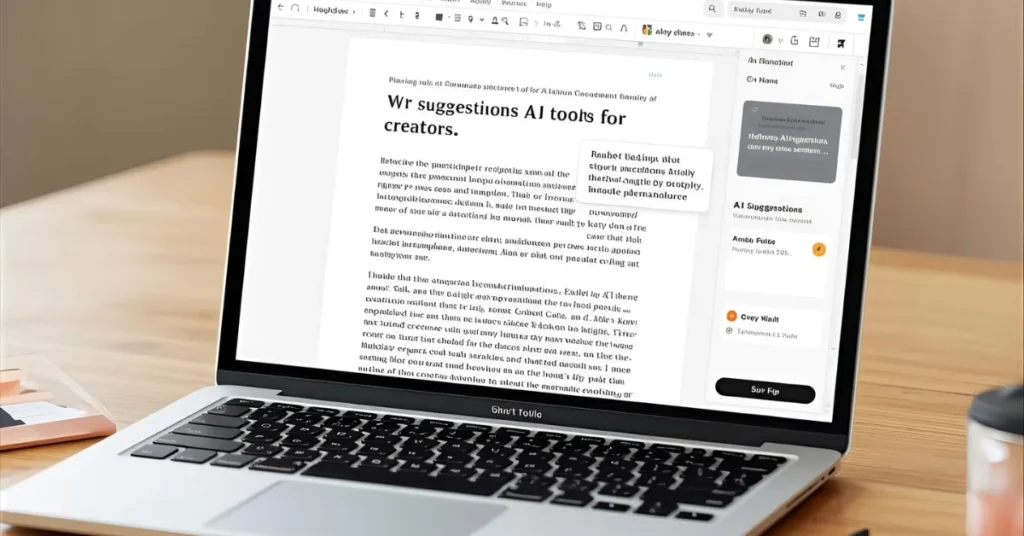
Moving between chat tabs and draft documents can be repetitive quickly. By including a writing tool in the document or note-taking app, you can expedite the writing process. Currently, many creators are using embedded AIs in their notes and documents to make edits, create outlines, and summarise their content at an accelerated pace.
You could do things like:
Reword awkward sentence structures
Determine the tone for an American audience
Create a blog outline/email draft from lengthy notes
For example, if you were to write blog post outlines and ideas for social media posts based on a podcast transcript, you could enter one command and receive what you need within minutes without having to copy/paste to another program or application.
You can use your writing assistant to generate grammatically correct sentences and rearrange words while focusing on the larger writing processes using the same app. You can find this tool in the FREE version of Notion. Here is the link to Notion AI. You should use it to create outlines, edit and summarize your written products quickly without having to leave your document work areas.
Tool: Notion AI (free tier inside Notion)
Link: https://www.notion.so/product/ai
3. AI note‑taker for calls, podcasts, and research

If you conduct interviews, client calls, coaching sessions or research, an AI note-taker offers the clarity of having bullet points summarised within 10 minutes, replacing the usual ‘I’ll get back to it later (which we rarely do).
AI is currently used by many creators to summarise and edit their content (particularly when it comes to audio recordings and meetings).
Some applications include:
Recording calls or brain dumps alone
Summarising recordings as well as creating timestamped action items
Creating highly shareable quotes for use on social media or as introductions when sending emails.
An example of how this would work:
After recording a 1-hour Zoom coaching session, the AI system produces a summary, listing key insights from the meeting. From the summary, three content ideas have been developed for TikTok and a “top 5 mistakes” newsletter for use with subscribers. No need to listen to the recording again; no manual transcription required.
This use of AI tools can also help students turn their lecture notes and group discussions/presentation recordings into searchable notes which can be used at a later date rather than being simply forgotten following the recording.
Fathom is a free Zoom call recording and summary tool that allows users to record meetings/calls and generate a summation with any action points.
Tool: Fathom (free Zoom call recorder and summarizer)
Link: https://fathom.video
Reason for Use: To record Calls/meetings then summate them and provide action points; recommended in multiple free AI Tools Resource lists for Content Creation & Research.
4. AI tools for video editing and repurposing
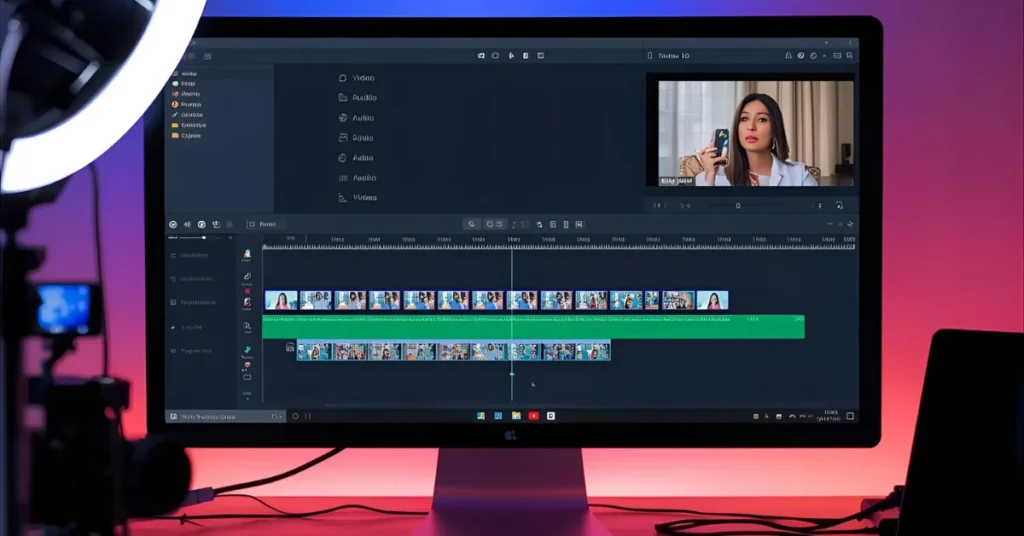
AI is quickly becoming the most popular method to create video content. More than 50% of the people creating video with the help of AI state that they use it in some way during the production process for a video, such as in creating the script, the editing process, and the production of captions.
If you live in the USA, you can use an array of different free tools for editing videos to take care of repetitive tasks. Here are a few examples of how you can use AI video editing tools to assist in the editing of your videos:
Auto‑Captions
Cutting out extra time that does not add value to the video
Take a longer video and create reduced versions in an upright format for posting to Instagram, TikTok, etc.
Providing you with suggestions on titles and hooks for your video.
As a result, you will not spend your time on second-guessing yourself or going back to revise your video so many times before it is finally ready to be released. Rather, you can focus all of your creative energy toward the story you want to tell and the pacing of the video.
A sample workflow for a video would be that you upload a talking-head video. The AI tool will create a snappy subtitle track, extract the sections with the most engery to create short versions, and suggest three ideas for titles for the full-length video. Now you need to only edit the titles instead of completely changing the content from scratch.
To use AI tools for video creation, you can create the video script with one tool and chop it up into short-form video formats with another tool. Clipchamp (a Microsoft product that offers a free plan, free from watermarks) is an example on the market that allows you to produce video using a web-based method with the ability to create captions, trim videos down to short-form, and offers a generous free plan with no watermark in the final product.
Tool: Clipchamp (Microsoft, free with AI features)
Link: https://clipchamp.com
Another alternative would be CapCut (capcut.com) which has grown in popularity due to being user-friendly for producing Short/Reel/TikTok videos with the tools for auto-captioning, re-formatting, and editing quickly.
Alternative: CapCut (desktop + mobile)
Link: https://www.capcut.com
5. AI tools for image generation and graphic cleanup
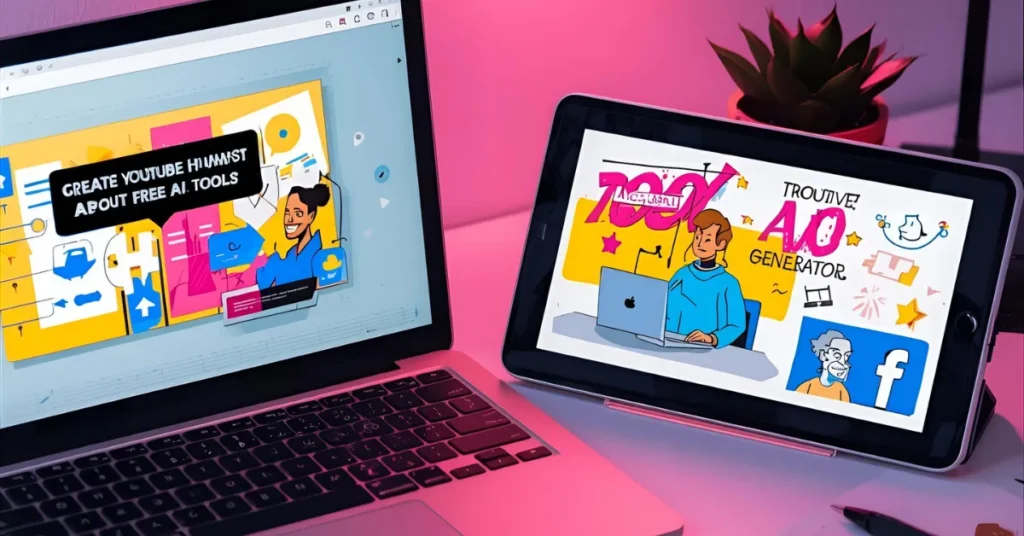
Thumbnails, cover images, and carousels are ways to capture people’s interests as they scroll through popular social media sites. Recent research shows that image-based AI is becoming the standard for use by many content creators creating social media content, as well as generating visual components of blogs.
You can use free AI-based image generators to help you with these tasks, as follows:
– Generating potential thumbnail designs
– Removing backgrounds from your photos
– Resizing and enhancing resolution from low-quality images
– Generating simple illustrations for your blogs or marketing decks
That said, you are looking for clear and recognizable images that grab attention on the phone, not wild and abstract artwork. Use AI as a “sketch artist” to help you create images that match your taste rather than replacing it.
In this way, you can use the AI Tools Directory to show examples of good vs bad AI-generated thumbnails, as well as linking to AI tools you recommend to create them.
Tool: Freepik AI Image Generator
Link: https://www.freepik.com/ai/image-generator
Tool: OpenArt (free SDXL‑based generator)
Link: https://openart.ai
Why: Both sites will allow you to create free image-based generators for your blog posts, social media posts, and mockups at no cost; in addition, Freepik has templates, and basic photo editing options.
6. AI‑powered research and insight finder

AI-based means of finding research and insights
Research and Statistics from the AI and Marketing Report indicate that free research tools can perform a quick surface for relevant statistics, trend signals, and an overview of audience insight. However, a majority of creators are overwhelmed with ideas but do not have proof supporting them.
With the help of AI, rather than guessing what may interest an audience in the US, you can find supporting statistics to back up your Hooks, surface 10 key takeaways from lengthy research studies and turn large amounts of complex data into easy to understand talking points. Tools such as Perplexity are an excellent example of how to use AI tools to create content for your blog or script.
When writing about AI Tools for Students, for instance, instead of simply saying “many students use AI,” your research assistant will provide you with current statistics regarding the use of AI tools in both education and content creation. You can now cite a couple of specific statistics in your blog or script, which makes it look like you’ve done your due diligence when it comes to finding and using factual evidence to support your claims.
By providing real examples of the ways in which you used AI tools to find statistics to back up your statement, you help build credibility for your audience. The AI Tool You Use will likely change over time, as there are many AI tools available to assist you with your research.
Tool: Perplexity (free research assistant)
Link: https://www.perplexity.ai
Used as a research assistant and frequently recommended as an alternative free AI-based research tool to help creators and marketers quickly source statistics, summarize large amounts of information and provide citations.
Alternative / data‑heavy: GWI Spark (creator/marketing insights, freemium)
Link: https://www.gwi.com/spark
7. Simple AI automation or workflow helper
This part of your toolkit may not be the most exciting, but it could be your most useful.
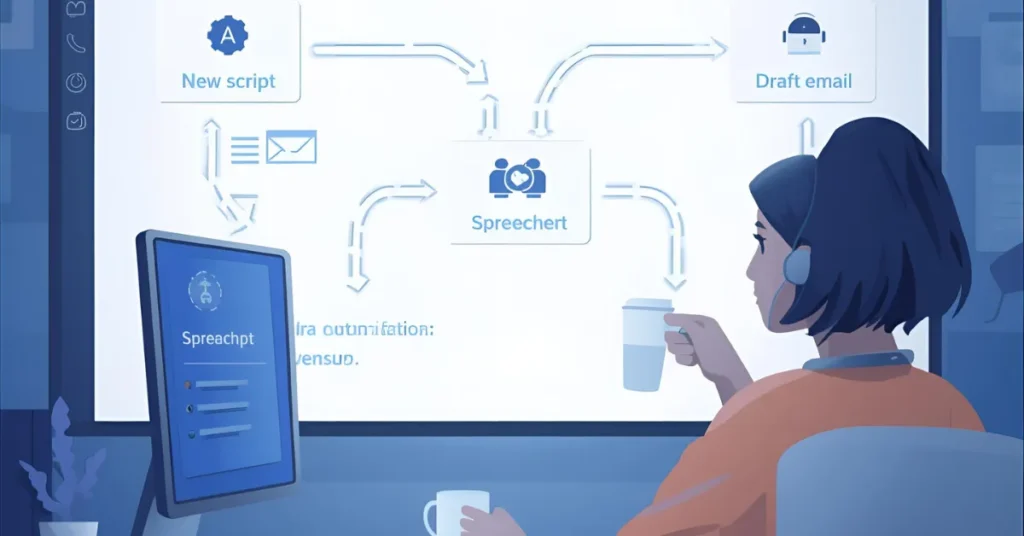
There are now automation tools that have AI features available which allow creators to automatically tag their content, easily organize their files, and even create simple workflows (i.e.: save my ideas in a spreadsheet or schedule my posts).
These are a few things you can automate for free:
* When you complete a script, it is sent directly to one folder and logged into a content tracker.
* Whenever you upload a video, all of your notes get sent to a database along with the video title, theme, and links.
* Whenever someone fills out a form, a draft e-mail or DM response is created for you.
What all of these automations do is allow you to have a consistent and organized way of keeping track of your creative ideas than losing them in messy files.
There is no need for your automation to look fancy; even simply automating “if this, then that” actions with basic functionality, assisted by AI text processing, can provide you with countless hours saved every month.
Tool: Zapier (free tier with AI assist)
Link: https://zapier.com
Purpose: Zapier will enable you to setup simple automations (like sending new scripts to a Content Spreadsheet and creating draft replies), and allows you to add the AI functionality of cleaning up or formatting text.
Building a stack of tools that you’ll actually stick with is about creating a mini-challenge for yourself. Many creators install new tools, play around with them, and never revisit them again. Nearly 20% of creators surveyed stated they tried out AI, then stopped using it entirely.
To avoid falling into this camp, take the following approach to building your stack:
1. Assign One Core Function To Each Tool (e.g., Find a series of tasks for each tool over the next week)
• Assistant: Write scripts and hooks
• Writing Assistant: Edit a complete long-form piece of content
• Note-Taking/Brain Dump Tool: Record two calls/brain dumps
• Video Tool: Process1B video clip
• Image Tool: Create the thumbnail or visual for your next blog post
• Research Tool: Pull three statistics for your next article
• Automation Tool: Integrate one small automated workflow
2. Keep It Simple – Use a Three-Column Log for Easy Tracking
No need for anything elaborate. Create three columns to track:
• What tool you used
• How much time it took to complete
• What the outcome of that use was
• If a tool saves time/time helps create better content, add the tool to your stack. If a tool creates additional work, drop it!
3. Be Selective About New Tools
Many online sources have developed huge directories with thousands of AI tools listed. New tools are being released weekly, but you do not need every one of them.
As a rule of thumb, do not add a tool to your stack unless it: 1. Replaces one of your current tools (If the tool does not fit a slot; ignore it). 2. Improves upon the functionality of one of your current tools.
A simple rule:
If a new tool doesn’t clearly replace or improve one of your seven slots, ignore it for now.
| Sr.No. | Tool name | Main job in your stack | Type/category | Free plan info (high level) | Link |
| 1 | ChatGPT | Ideas, hooks, scripts, rewrites | Chat assistant / writing | Free tier suitable for everyday drafting and Q&A for many creators | https://chat.openai.com |
| 2 | Notion AI | Editing inside notes and docs | In‑document writer/editor | AI features available on free Notion workspaces with usage limits | https://www.notion.so/product/ai |
| 3 | Fathom | Call recording and summaries | AI note‑taker | Free for recording and summarizing meetings and calls | https://fathom.video |
| 4 | Clipchamp | Editing and repurposing videos | AI video editor | Generous free plan with AI tools and exports without watermark for many use cases | https://clipchamp.com |
| 4a | CapCut | Shorts, Reels, TikTok edits | AI video editor (alt) | Free desktop and mobile app with AI captions and effects, watermark‑free exports in most flows | https://www.capcut.com |
| 5 | Freepik AI Image Generator | Thumbnails and blog images | AI image generation | Free plan with around 20 AI images per day (subject to change) | https://www.freepik.com/ai/image-generator |
| 5a | OpenArt | Text‑to‑image and upscaling | AI image generation (alt) | Free plan with SDXL‑based models and daily credits | https://openart.ai |
| 6 | Perplexity | Stats, research, quick facts | AI research assistant | Free tier for everyday research and citations | https://www.perplexity.ai |
| 6a | GWI Spark | Audience and trend insights | Data / insight tool (alt) | Freemium access to consumer and creator insights | https://www.gwi.com/spark |
| 7 | Zapier | Automating small creator workflows | Automation with AI steps | Free tier supports basic zaps and limited AI tasks | https |
How many AI tools do creators actually need?
Most creators based in the United States require only five to seven core tools: 1 for generating and writing ideas, 1 inside of documents, 1 for notes, 1 for videos, 1 for images, 1 for research, and 1 for basic automation. Research regarding creator workflows indicates that while more than 80 percent of creators incorporate AI into their processes, the majority of those who are most active users utilize a small number of preferred tools rather than multiple applications.
Is it possible to utilise free versions of AI tools in place of paid software by creators?
A large number of creators within the United States will find that the free versions of many AI tools will meet most of their basic requirements, such as writing scripts, editing written materials, creating basic visuals, and automatically including titles in their video clips. Many reports comparing the free versions of various AI tools indicate that these versions can be used to develop consistently created, written content, even if the creator is operating as an individual or newly established entity. Paid subscription plans are generally better suited for those creators who need to utilize more resources or who need access to advanced video export options, team-based services, and the ability to manage brand-level access.
Should students and early-stage creators view AI tools as a safe place to rely on?
Tools can be a very helpful resource for students and early-stage creators when it comes to understanding a subject, developing concepts, and organizing notes but should not be used as a replacement for acquiring knowledge or developing individual thought processes. Research conducted using surveys and expert reviews indicates that the most beneficial results will occur when individuals view AI as a knowledgeable assistant that is utilized for providing explanations, suggestions, formats, etc. while the individual establishes what to retain, what to delete, and how to maintain their voice.
Read Latest >> 17 Shocking Weekend Tech Deals